
Appearance
Translations
Languages available today: English (default), Polish, German, French, Spanish, Italian, Portuguese, Dutch, Japanese and Chinese. More can be added.
You write the translations. Release Notifier does not translate anything for you, and the app's own screens are in English.
Translate content
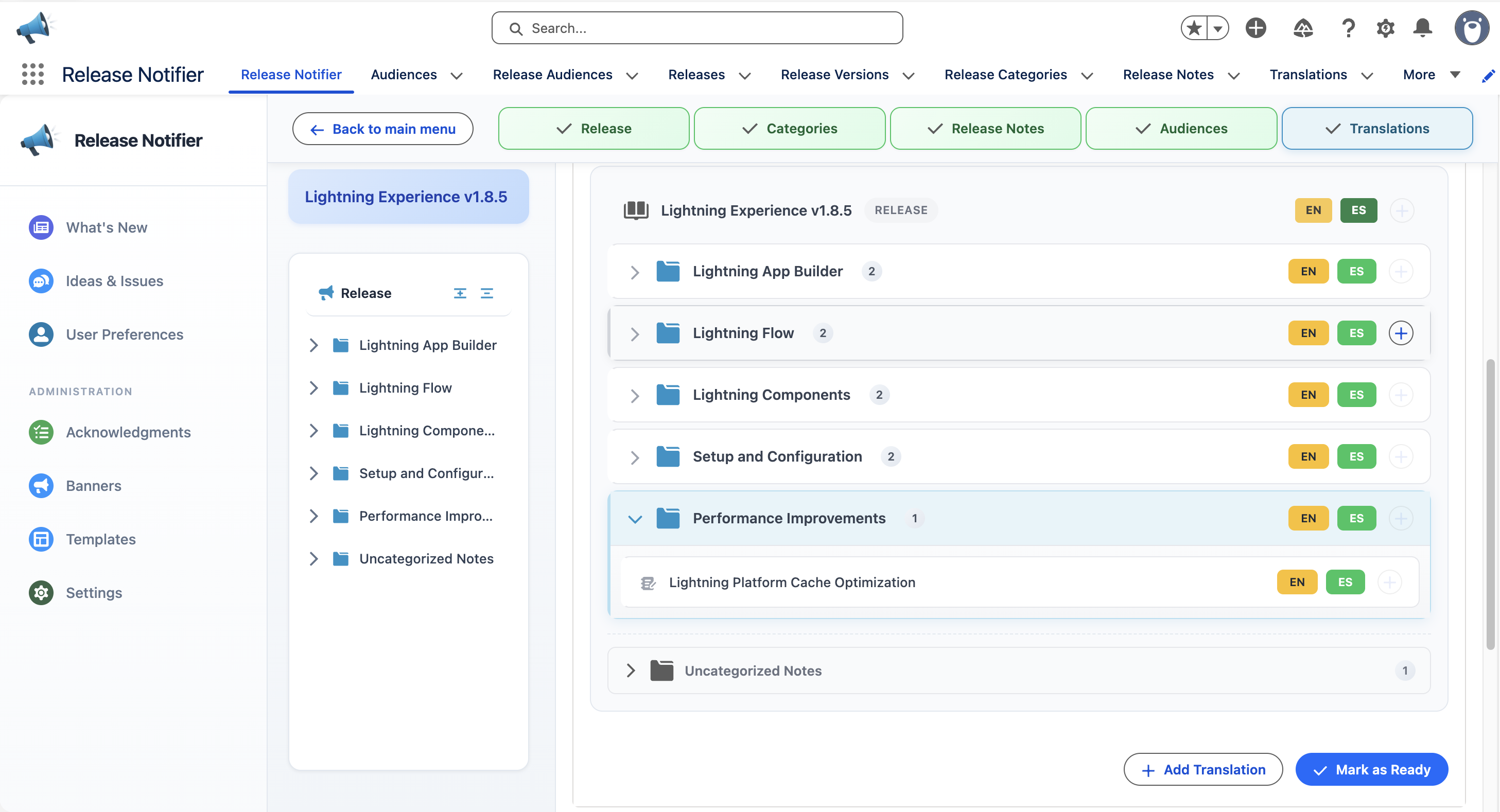
In the release editor, the Translations step lists every release note, category and description. Add a translation per language; anything untranslated falls back.
What users see
Each user picks a Preferred Language in User Preferences. The What's New feed then shows every release in that language.
The fallback order is: the user's preferred language, then the org default language set in Settings, then the first available translation. Users never see an empty note because a translation is missing.
Set the org default
Admins set the default content language in Settings. It applies to everyone who has not picked their own.