Appearance
Audience targeting
Not every change applies to everyone. A change in case routing matters to support, not sales. Audiences decide who sees what.
Criteria
An audience is a set of criteria combined with OR. Six criteria types are available:
- Profile
- Permission Set
- User Role
- Public Group
- User (a named user)
- Custom Permission
A user belongs to the audience when any criterion matches.
Where audiences apply
Assign audiences at three levels:
- the whole release version: everything in the release follows it;
- a category: the category and the notes under it;
- a single release note.
Lower levels inherit from higher ones, so you can share one release broadly and keep a single category for a smaller group. For changes that affect everyone, mark the release visible to all audiences instead of building criteria.

Templates
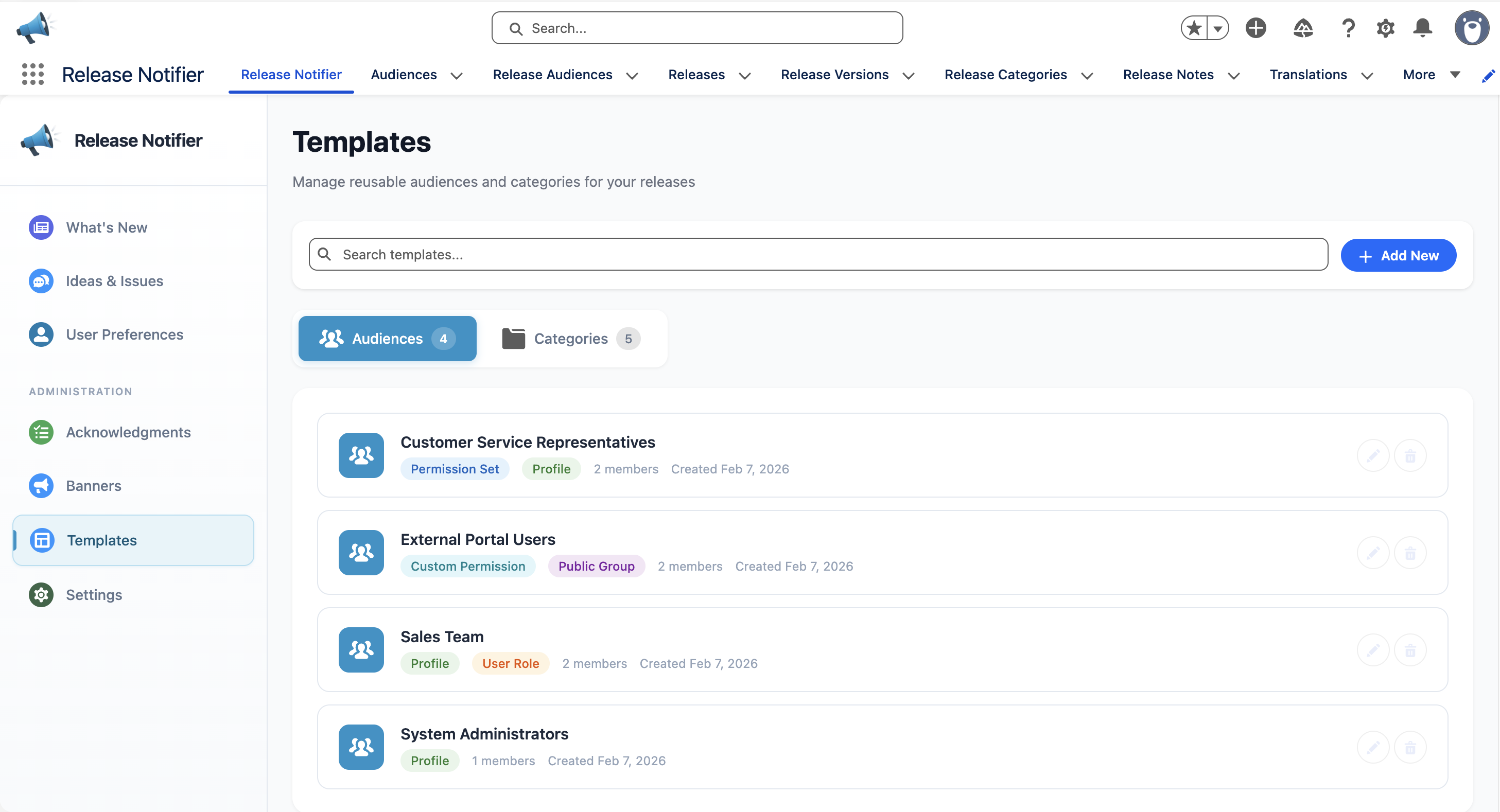
Audiences you reuse (for example "Sales Team" or "Finance Approvers") can be saved as templates under Templates > Audiences, next to category templates under Templates > Categories. Content Creators and up manage templates.