Appearance
Create and publish releases
You need the Release Notifier Content Creator permission set or higher.
The guided editor
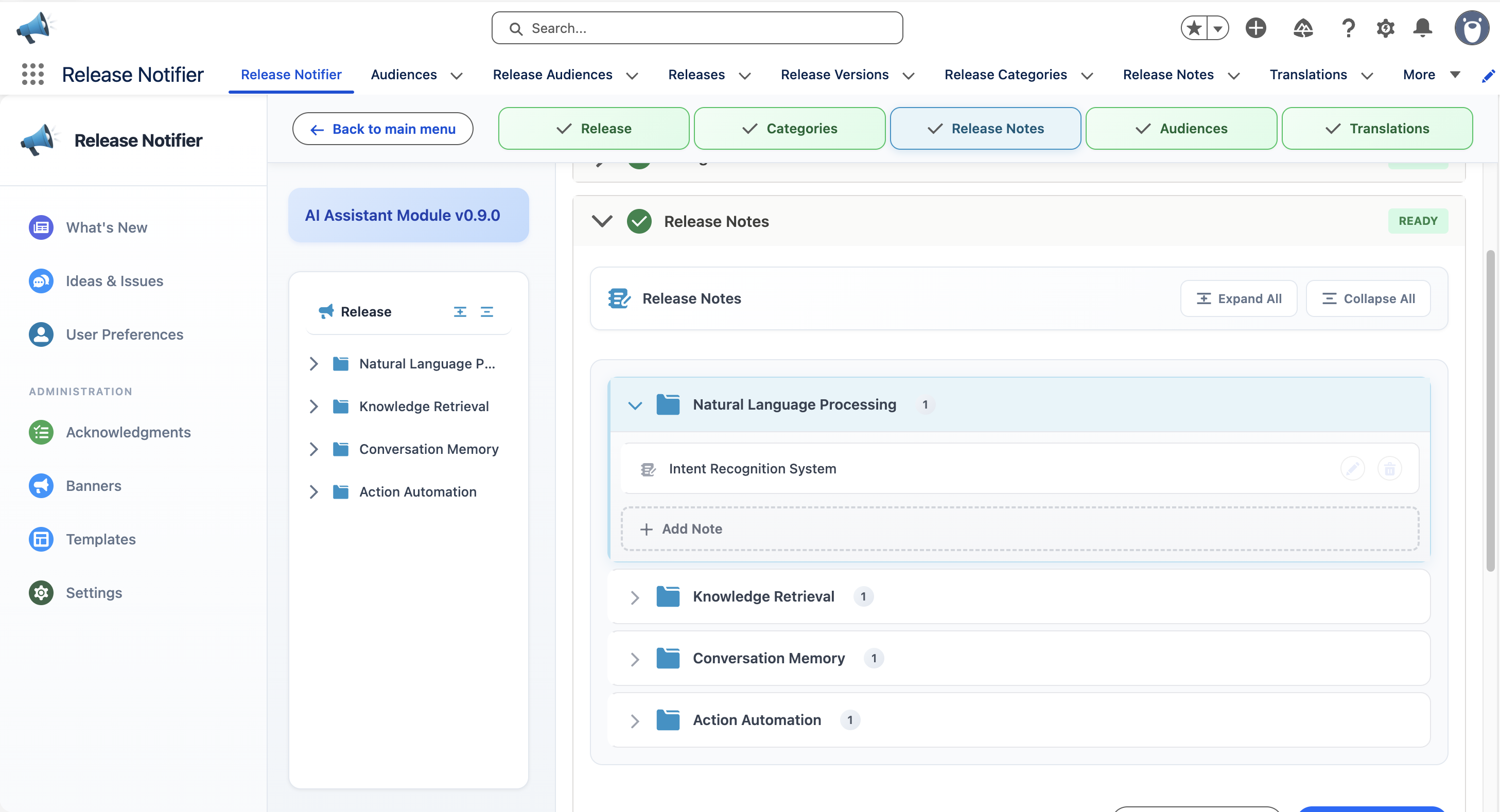
From What's New, create a release. The editor walks you through five steps, each with a Mark as Ready action:
- Release - name, description, dates and whether acknowledgment is required.
- Categories - the folder structure of the release. Categories nest, and you can start from a category template.
- Release Notes - the content, written per note with rich text and images.
- Audiences - who sees the release. Required before publishing; see Audience targeting.
- Translations - optional content in other languages; see Translations.
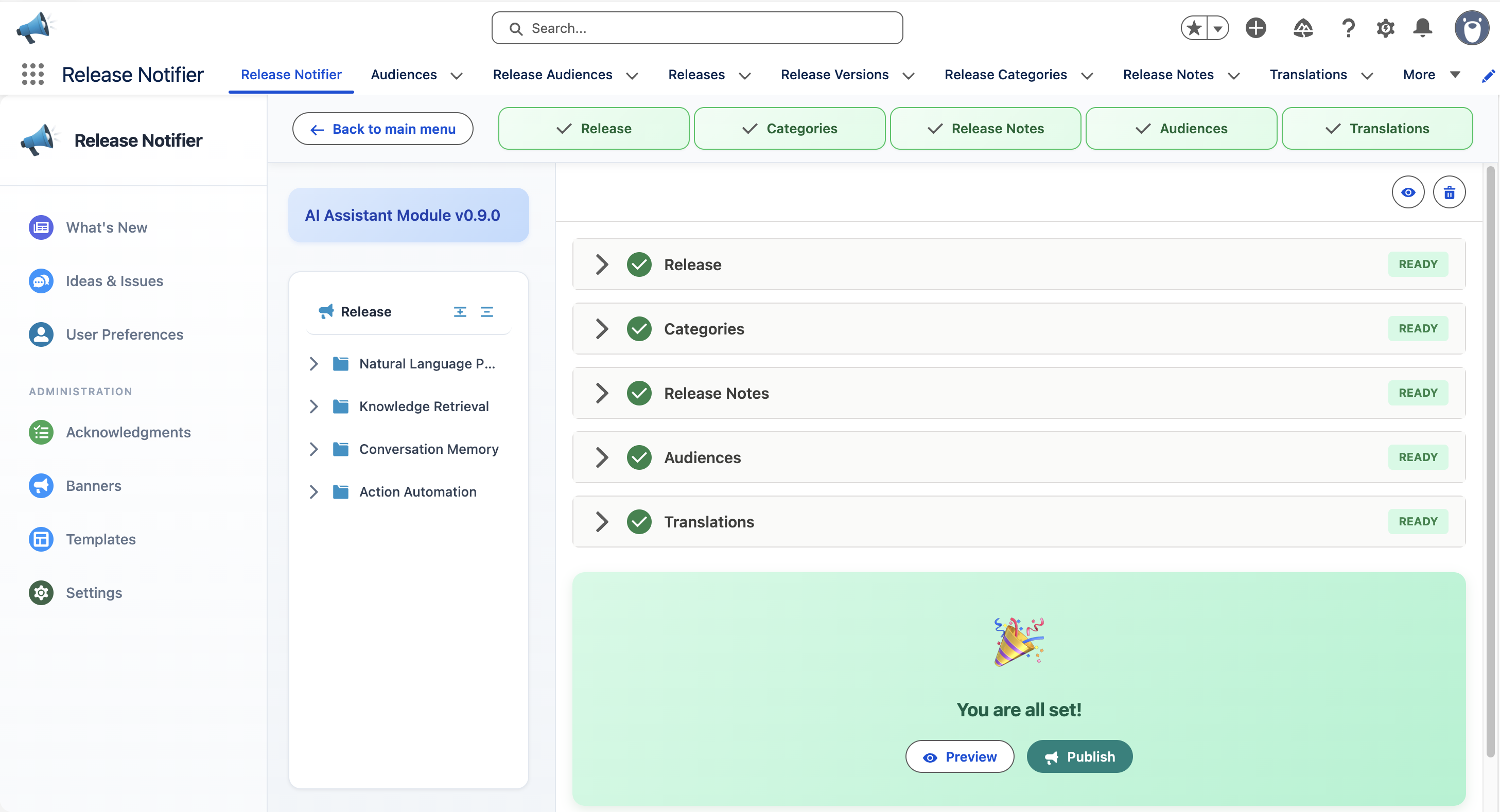
Publish when every required step is ready. The release appears in the What's New feed of every targeted user.
Editing a published release
When you edit an active release that requires acknowledgment, Release Notifier creates a new version automatically. Acknowledgments carry over for notes whose content did not change; users are asked to re-acknowledge only the notes you actually changed. Content comparison is hash-based, so formatting-only edits of unrelated notes do not reset anyone's status.
Cloning
Clone Release copies an existing release and lets you choose whether to include categories, release notes and translations. Use it for recurring release shapes, for example a monthly sprint review.